Integrations
Connect talentkiwi with your ATS and other systems.
talentkiwi integrates with the tools recruiters already use, so you can pull candidate and job data directly into talentkiwi without manual uploads.
How it works
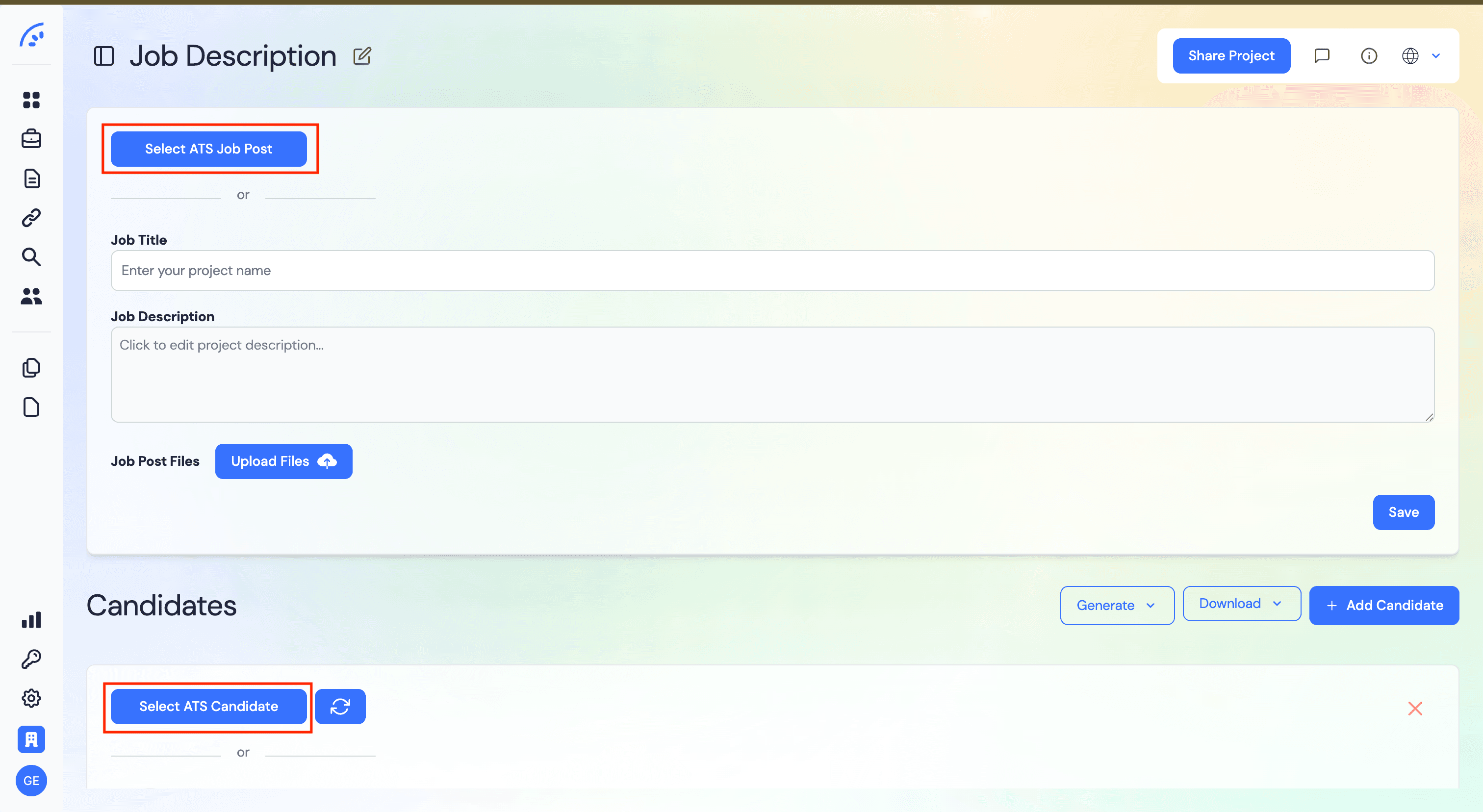
Once your ATS is connected, every project gets two extra buttons: Select ATS Job Post and Select ATS Candidate. They open a search dialog into your ATS so you can pull data in without switching tabs or downloading files.
Importing a job post
In the Job Description section of a project, click Select ATS Job Post. Search for the job by title, select it, and save — the title, description and any attached job post files are imported automatically. You can still edit anything afterwards.
Importing a candidate
In the Candidates section, click Select ATS Candidate. Search by name, pick the right person, and talentkiwi pulls in all relevant documents (CV, certificates, etc.) directly into the project. Use the refresh button next to it to re-sync if the candidate's profile changes in the ATS.
Uploading the dossier back
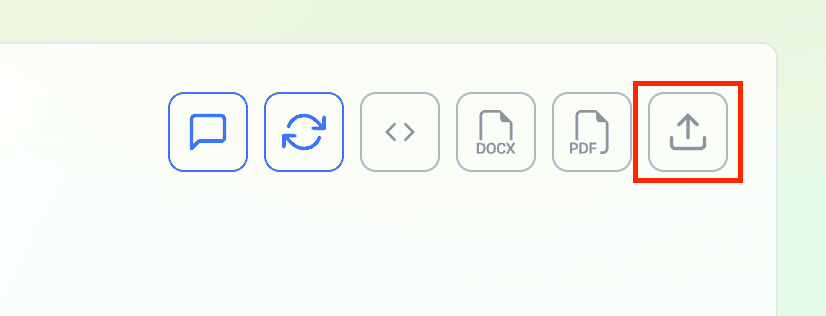
Once you have generated a dossier, the candidate toolbar shows an upload icon next to the DOCX and PDF download buttons. One click sends the finished dossier straight back to the candidate's ATS profile — no need to download and re-upload manually.